The Kubernetes desktop app that never makes you wait
Kompass is a fast, native Kubernetes client built in Rust — a lightweight alternative to Lens. Browse pods, tail logs, exec into containers and edit YAML across all your clusters, in a UI that stays instant on clusters of any size.
brew install --cask erango/tap/kompass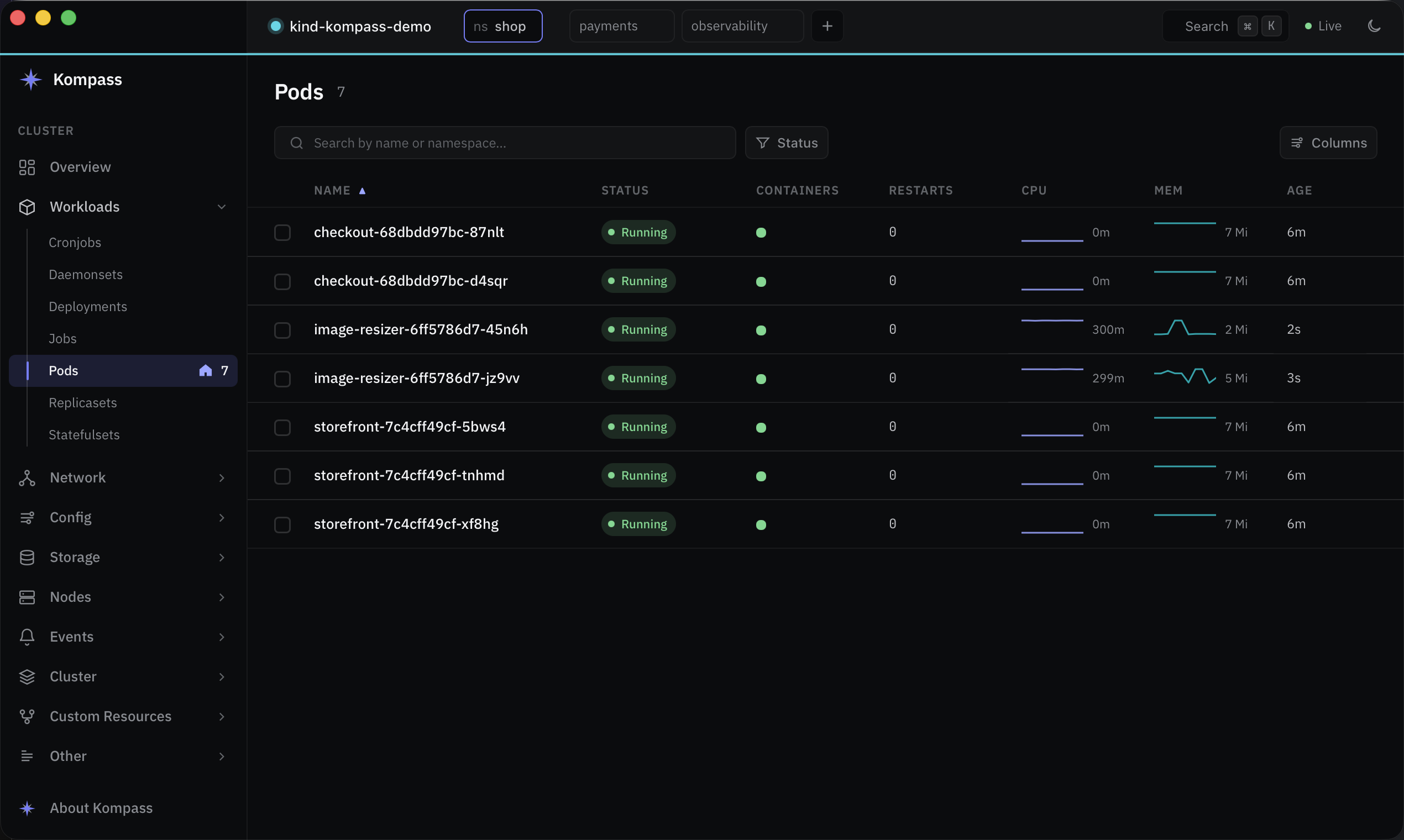
Everything you reach for, without the weight
One small native binary. All cluster I/O runs on a background runtime, so the interface never blocks on the network — not even while reconnecting.
Fast on big clusters
Live watches, virtualized tables and stale-while-revalidate caching. Thousands of pods scroll smoothly.
Every kind, every CRD
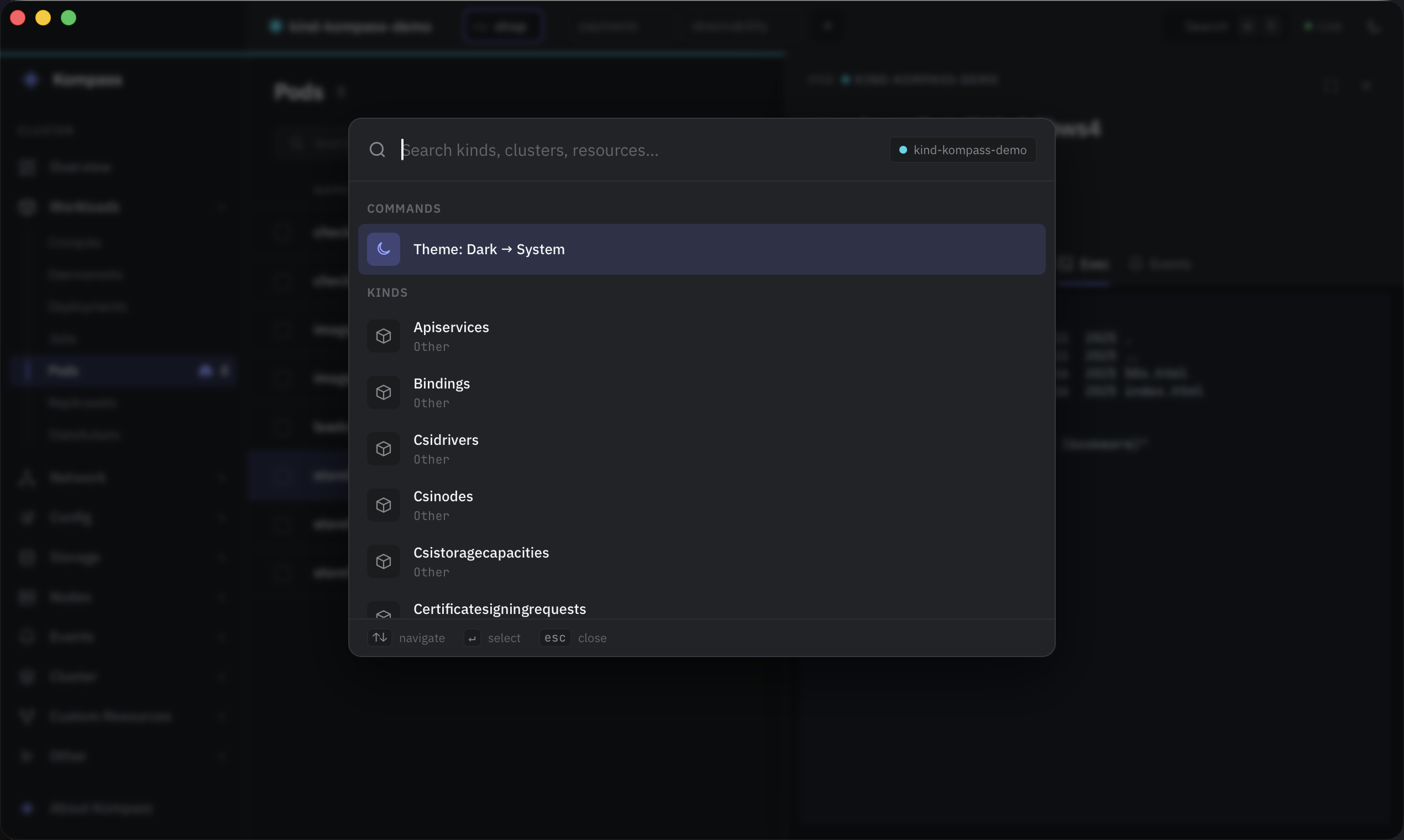
Discovery-driven: all built-in resources and custom resources, grouped in a clean sidebar.
Live metrics
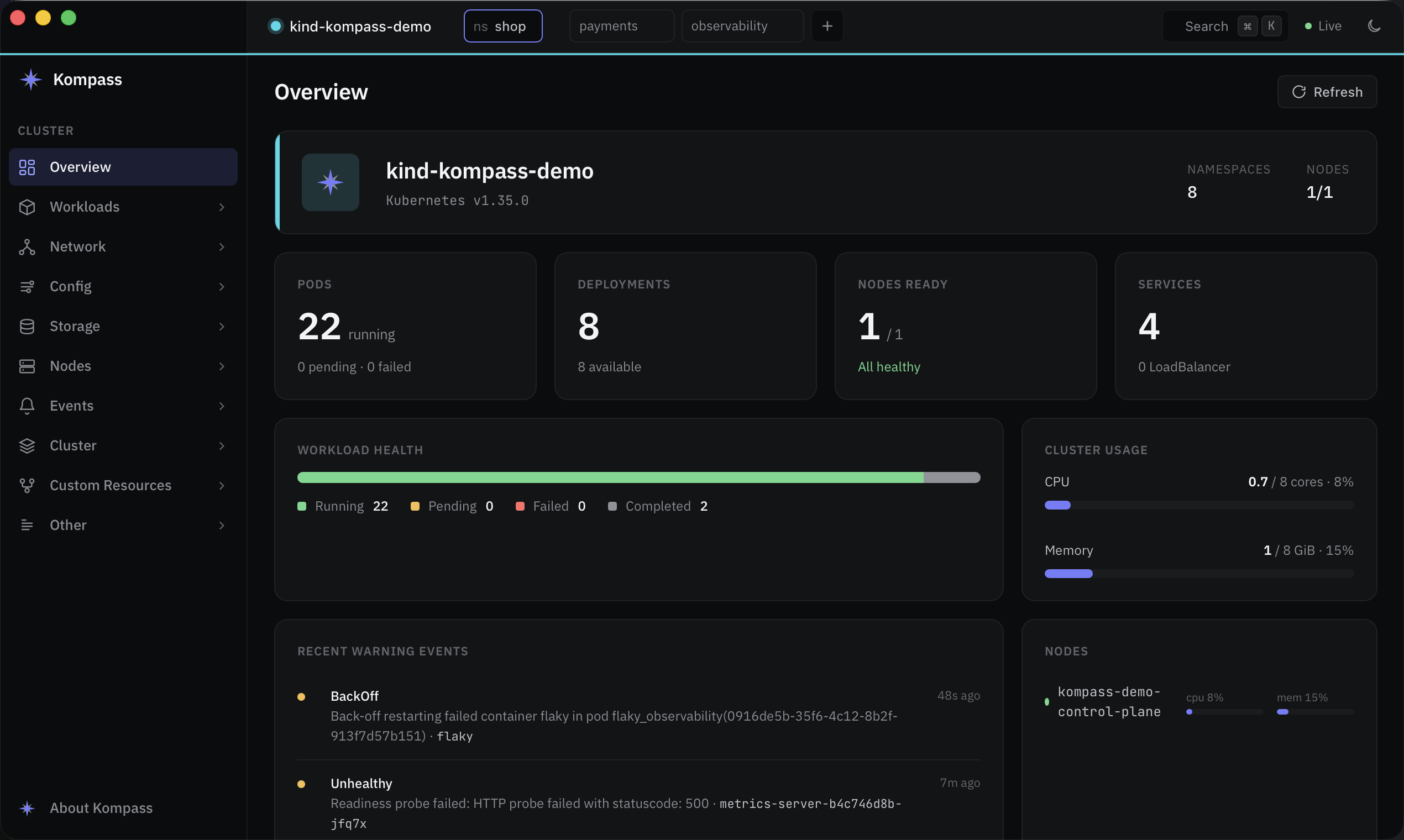
CPU and memory per pod with sparklines, sortable columns, and per-container status at a glance.
Logs that behave
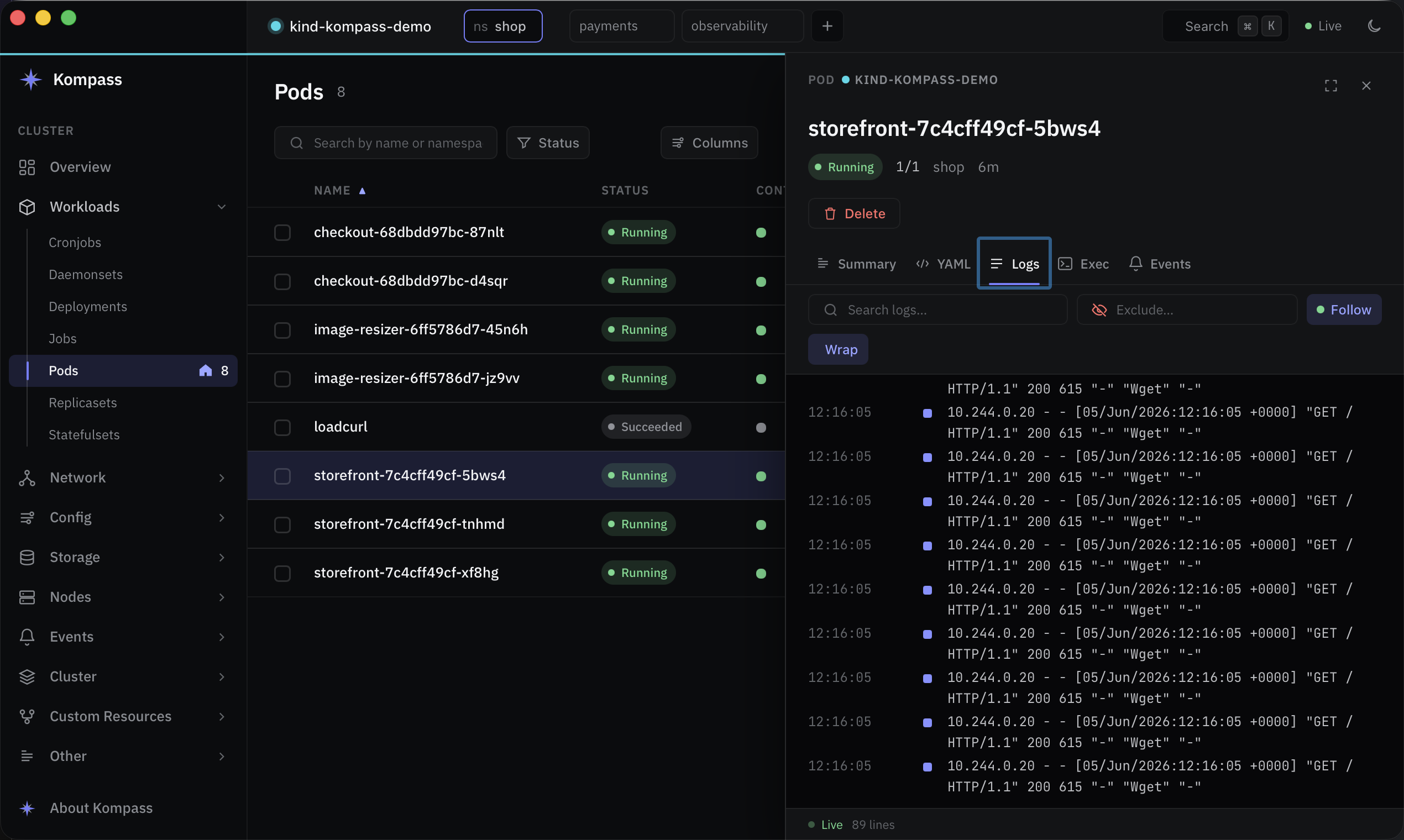
Follow, wrap, include/exclude filters, ANSI colors, and merged multi-pod streams.
Exec & YAML
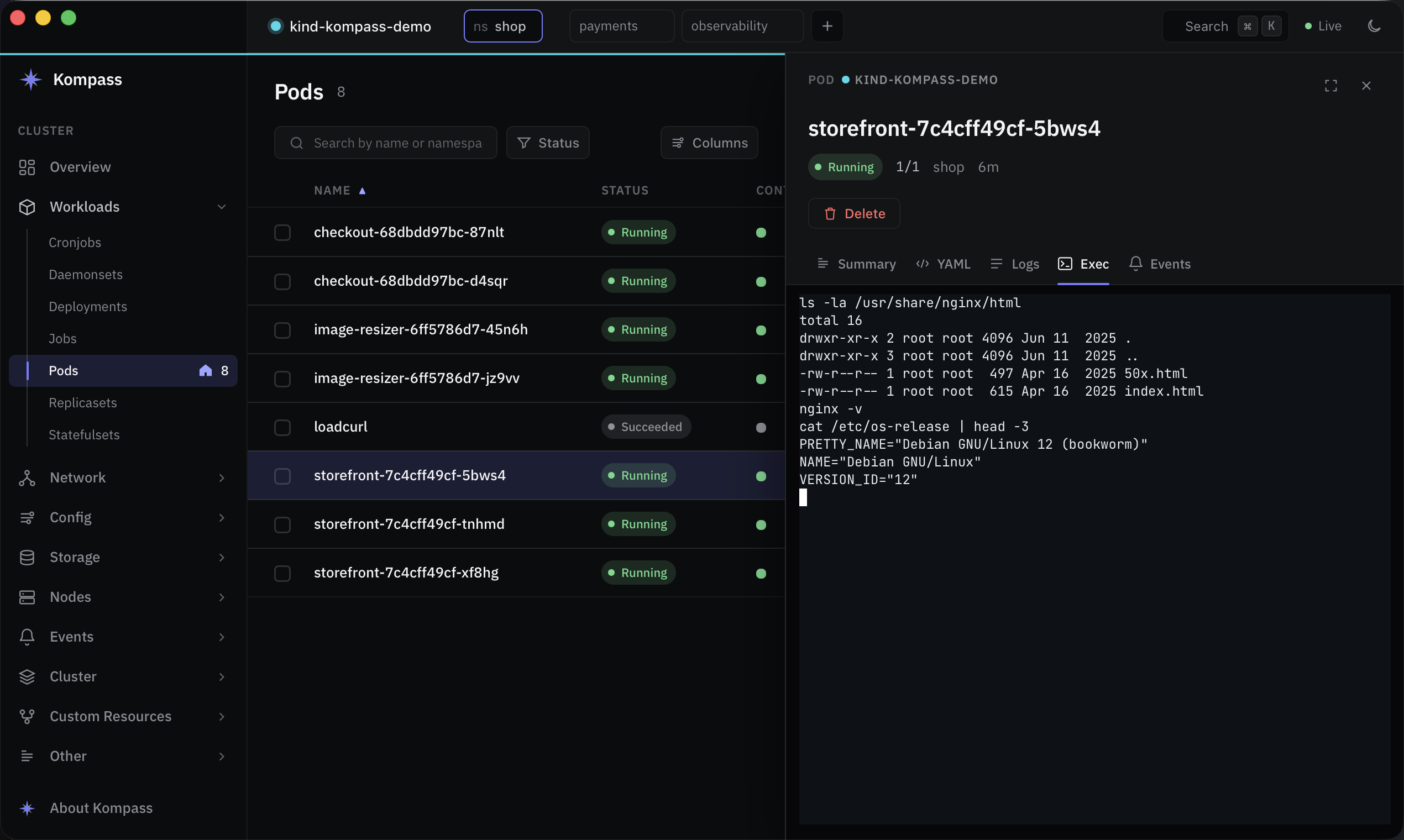
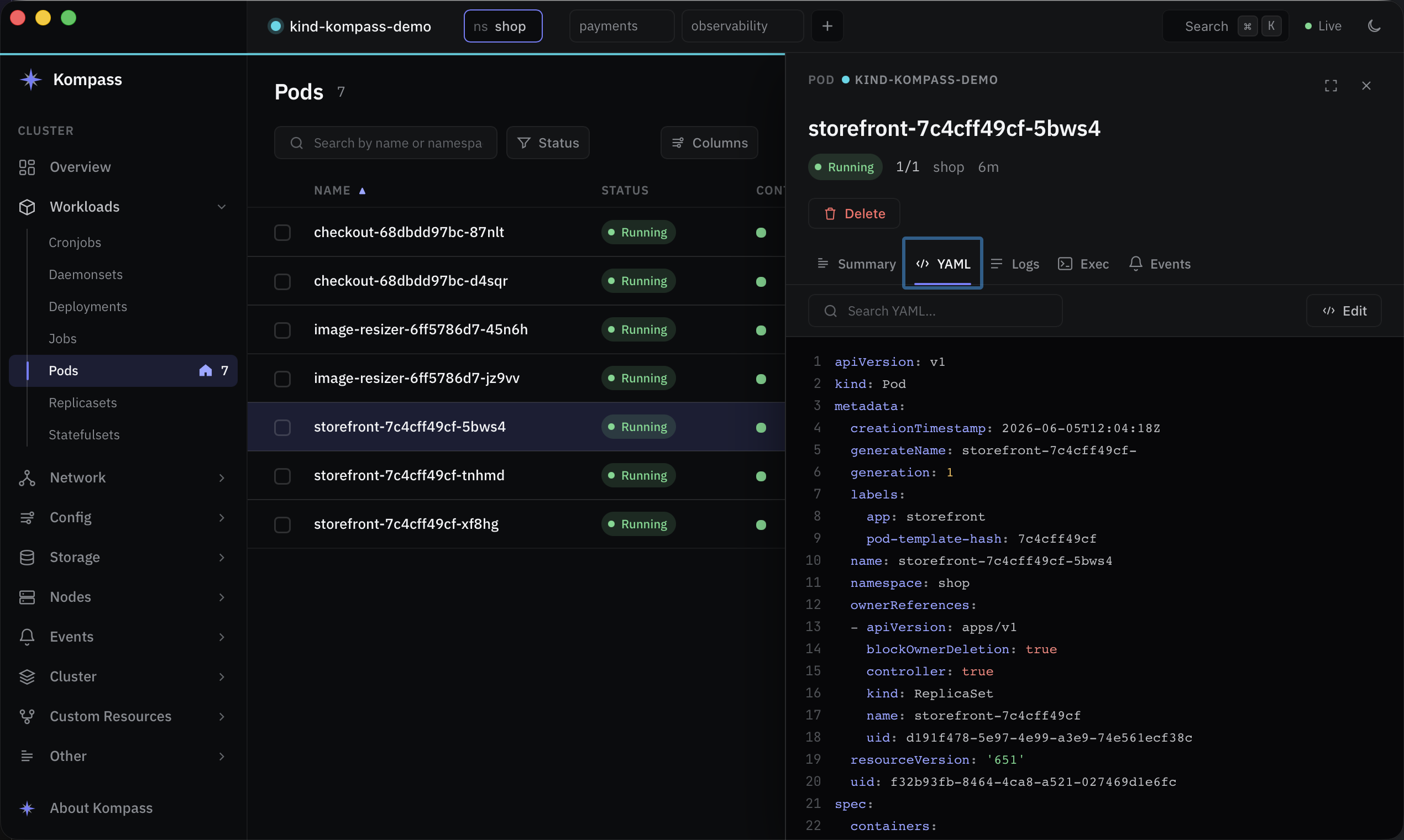
An interactive terminal into any container, and a syntax-highlighted, searchable YAML editor.
Keyboard-first
⌘K jumps to any kind, cluster or resource. Back/forward history with ⌘[ ⌘].
Multi-cluster
Switch and pin clusters, keep per-cluster namespace views, and work with namespace-scoped access.
Self-healing auth
Expired EKS / GKE / OIDC credentials refresh automatically — no relaunch after you SSO.
Operate safely
Restart rollouts, scale, cordon and drain, port-forward and delete — with confirmation for destructive actions.
See it in action
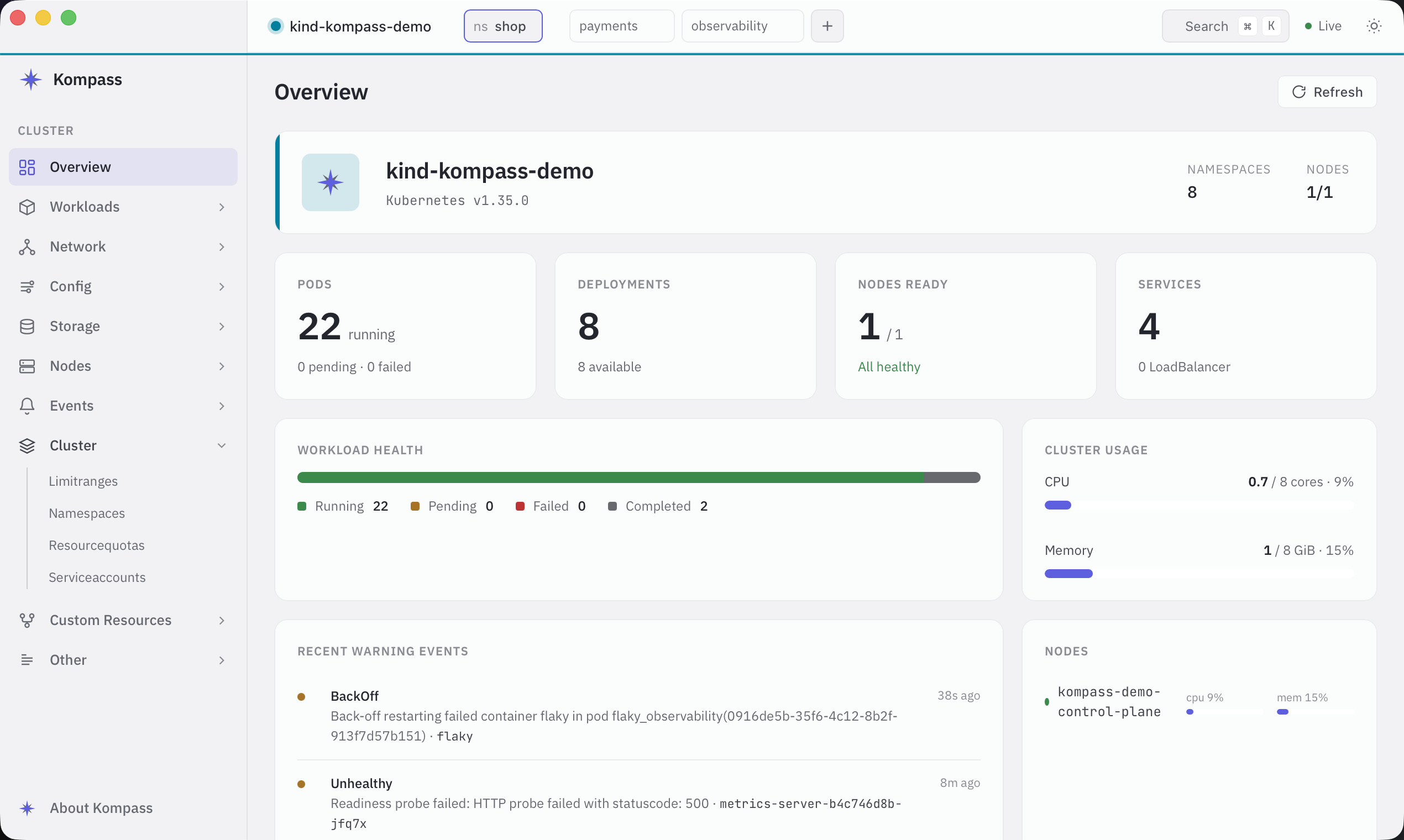
Dark and light themes, a calm design system, and native macOS window integration.
A lightweight Lens alternative
Kompass focuses on doing the everyday things fast, with nothing to sign up for.
| Kompass | Typical Electron IDE | |
|---|---|---|
| Runtime | Native Rust binary | Bundled Chromium + Node |
| Account required | No | Often |
| Price | Free, MIT licensed | Free tier / paid plans |
| UI during slow API calls | Never blocks | Can stall |
| CRDs & custom resources | Yes, auto-discovered | Yes |
| Logs, exec, YAML, port-forward | Yes | Yes |
Point it at your kubeconfig and go
Kompass uses your existing kubeconfig and auth plugins. Nothing to configure.